

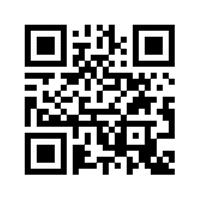
Library catalogue
A Quick Response (QR) code is a mobile phone readable matrix of barcodes made up of black and white pixel patterns that is created to embed links to online content. A QR code reader is used to quickly and easily scan the code’s content.
Guide on using QR codes
- Download a free QR code reader from your App store
NB: Some current smart phones have preinstalled QR code readers
- Open the QRcode reader on your smart phone.
- Hold your device over the QRcode so that it is clearly visible within your Smartphone’s screen. Adjust the position of the reader over the code until your phone scans and captures the url or online location of the website or content embedded in the code.
- You can now access the content from your smart phone by going to the link that has been picked by the reader
- The sample code below takes you to our Maktaba platform
Library catalogue
NB: This requires a smart phone with a camera