

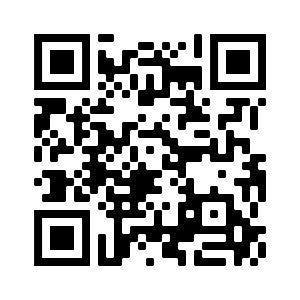
Scan this QR code to go to e-resources registration
Please note that we have moved from our previous e-resources access platform to Remotexs. Our online/digital/e-resources are now available on RemoteXs. The platform facilitates access to our e-resources whether one is on the campus network or off the campus network.
What should you expect?
- If you are a first-time RemoteXs user you will be required to self-register by going to the link https://elibraryku.remotexs.co/user/register. Once your registration is approved you will receive an e-mail containing information about how to log in, set your password, and other details.
- The links to E-resources, Off Campus Self Registration and Off Campus E-resources Access on our Maktaba platform will redirect you to the Remotexs self-registration page
Nb: If you have forgotten the password to your corporate email you are advised to submit a ticket to support.ku.ac.ke